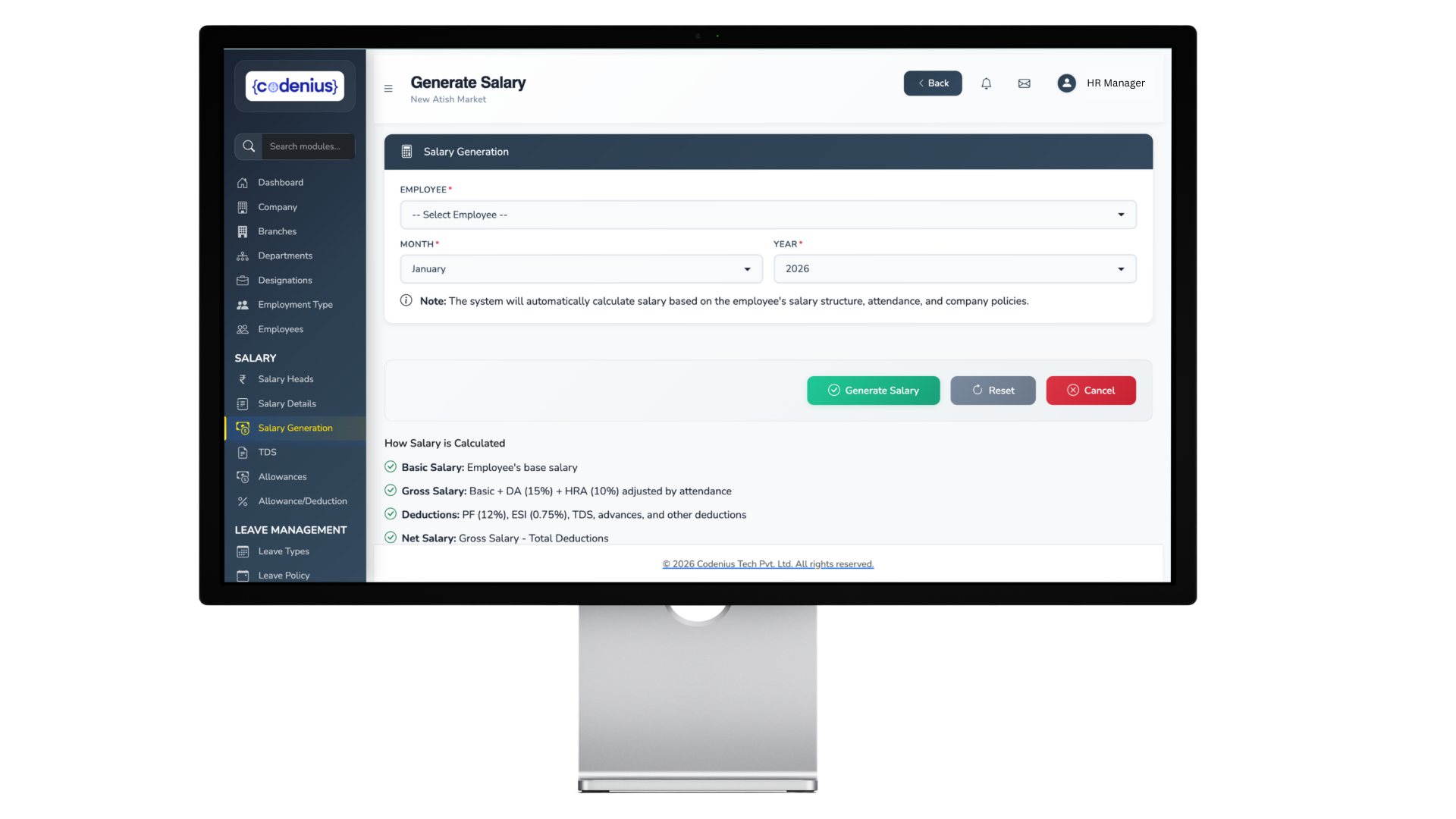
Spreadsheet payroll gets dismissed too quickly. For a ten-person company with simple structures, a well-built sheet is cheap, flexible and entirely adequate. The question is not whether Excel can do payroll — it is where the breaking points are.
Where Excel genuinely works
- Under about 20 employees
- Uniform, simple salary structures
- Few joiners and leavers
- Single state, so one professional tax regime and one set of leave rules
- Someone competent owns the sheet and understands the formulas
- Low tolerance for subscription cost in early stages
If that describes you, the honest answer is to keep your spreadsheet and spend the money elsewhere.
The specific risks
No audit trail. This is the most serious one. Excel does not record who changed what, when. During a dispute or an inspection you cannot demonstrate when a salary changed or who authorised it.
Formula fragility. A sheet that works perfectly breaks silently when someone inserts a row, drags a fill wrong, or copies last month's file and misses one reference. Errors do not announce themselves; they produce plausible-looking wrong numbers.
Statutory updates are manual. When a PT slab or a wage ceiling changes, someone must know and must edit every affected formula. Missing one is a compliance breach nobody notices for months.
Key person dependency. One person usually understands the sheet. Their resignation or illness becomes a payroll crisis.
Weak access control. Salary data in a file on a shared drive or emailed as an attachment. Password protection on a workbook is not meaningful security.
No self-service. Every payslip request, leave balance question and salary certificate is manual work.
Year-end becomes a project. Form 16 generation, Form 24Q preparation and annual reconciliation done by hand across twelve monthly files.
The signals it is time to switch
Any two of these together, and you are past the point:
- More than 25 to 30 employees
- Multiple states, so multiple PT regimes and leave rules
- Regular joiners and leavers requiring pro-rating and settlements
- Varied salary structures by grade or role
- Payroll takes more than a day
- You have had a payroll error that reached employees
- You have paid statutory interest or penalties
- Only one person can run payroll
- You cannot answer a question about last year without opening several files
- Attendance data arrives as a spreadsheet to be merged manually
- You are approaching the PF threshold of 20 employees or the ESI threshold of 10
What you actually gain
- Audit trail — every change attributed and timestamped
- Statutory updates maintained by someone else
- Attendance integration, removing the monthly merge
- Self-service, removing the query queue
- Form 16 and 24Q generated rather than assembled
- Access control on salary data
- Continuity — payroll does not depend on one person's knowledge
- Reporting without exports and pivot tables
What you give up
Worth being honest about:
- Flexibility. Excel will do anything. Software does what it was built to do, and unusual arrangements sometimes do not fit.
- Cost. A subscription where there was none.
- Configuration discipline. You now have to define policies precisely rather than handling exceptions by judgement.
- Implementation effort. Data cleanup and parallel runs are real work.